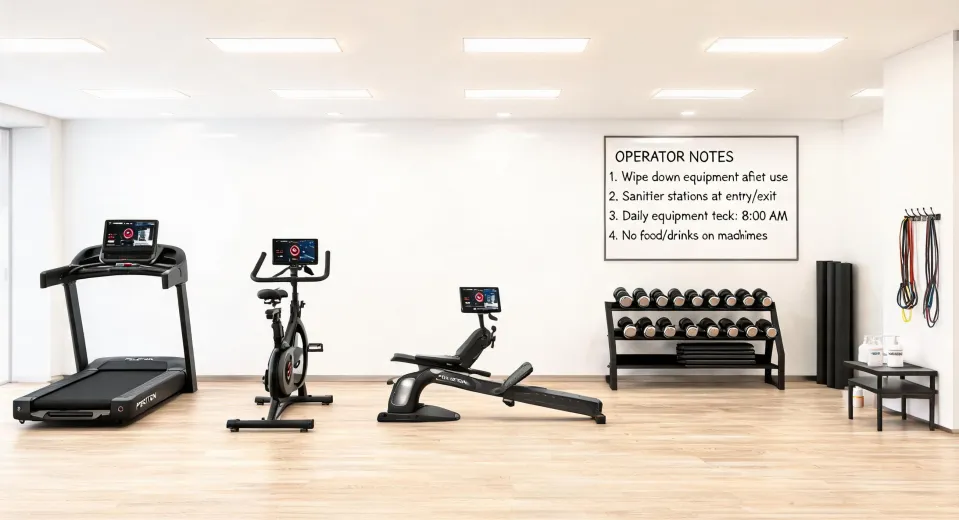
In March 2024, I got a phone call that basically defines my job. It was 36 hours before a boutique hotel gym was supposed to open, and the new Peloton Tread was already on the floor—bolted down, looking great. The problem? Nobody had checked the audio path.
"The Tread is installed. The classes are loading. But we can't get the sound to the TV, and my headphones don't fit."
They wanted to stream a live class to a Roku TV mounted on the opposite wall, then use private listening so guests wouldn't disturb anyone. None of that was actually wired or routed. We got it sorted by midnight, but they paid a rush fee they didn't budget for and spent a lot of unnecessary panic getting there.
I coordinate fitness equipment installations for hotels, apartment gyms, and the occasional executive who decides they need a connected home gym by Tuesday. I've done this for about eight years—maybe closer to nine—and I've handled 60+ rush setups in that time. The same small set of compatibility mistakes comes up in almost every one of them.
The Surface Problem: It Works Until It Doesn't
When someone buys a Peloton Tread, they spend days choosing workouts and zero minutes thinking about the ecosystem around the machine. The room. The screen. The headphones. The subscriptions. The hardware arrives and powers on. Then the owner discovers that their phone headphones can't connect to it, or that the TV they planned to stream classes on doesn't have the app, or that the home gym mirror they bought for Pilates was never going to show a Peloton class in the first place.
That's the moment I get called. Not during planning. After delivery.
The Deep Cause: Spec Blindness
Pretty much everyone does the same thing when they look up peloton treadmill specs. They check the maximum speed (12.5 mph on the current model), the incline (up to 12.5%), and the screen size (a 23.8-inch HD display). Those are genuinely good numbers. They're also the least useful numbers for setting up a room. The specs that actually matter are the boring ones: dimensions, clearance, audio inputs, and what the machine will talk to.
Footprint and Clearance: The Specs Nobody Reads
According to Peloton's published specs (onepeloton.com, accessed May 2024), the current Tread is roughly 59 inches long and 33 inches wide, and it weighs around 290 pounds. It's basically a long, dense coffee table with a conscience. And it doesn't just need a spot the size of its own belt. Peloton's safety guidance calls for open clearance behind the treadmill—I've seen support materials recommending something in the ballpark of 55 inches, though you should verify the current number for your model. If your "home gym" is an 8x10 spare bedroom, something has to give. I've been that person standing in the doorway explaining math to someone who already ordered everything.
Ceiling height is another thing people skip. At full incline, the Tread's deck lifts noticeably. In a basement gym with low ceilings, the back end can come uncomfortably close to a light fixture. I'm not 100% sure of the exact height where it becomes a problem—I'd have to check the manual—but I've seen it happen, and the fixture didn't win.
The Audio Trap: USB-C Headphones, Bluetooth, and a 3.5mm Jack
The most common emergency call I get is audio. The Tread's touchscreen supports Bluetooth headphones and has a 3.5mm headphone jack (again, verify the current spec sheet). It does not have a USB-C audio input. So those usb c headphones you bought because your phone dropped the headphone jack? They aren't going to plug into the Tread. At all. The screen simply won't see them.
In my first year doing this, I made the classic spec error: I assumed "Bluetooth" was one universal thing. It's not. The Tread pairs with most Bluetooth headphones, but the pairing process can be picky about whether a device is already connected to your phone. I've watched clients unbox brand-new USB-C headphones, plug them in, and stare at a silent touchscreen for a solid minute. The blame wasn't the headphones. It was a mismatch nobody caught because nobody asked one question: what audio outputs does this machine actually have?
The same trap appears in front of the television. One of the most common questions I hear in planning calls is: can you connect headphones to roku tv? The honest answer is: sometimes. If your Roku TV has Bluetooth built in, you can pair headphones directly to the TV. If it doesn't, the Roku mobile app (iOS/Android) has a private listening feature that routes the TV audio through your phone—which is exactly where your USB-C headphones can plug in. But that setup has to be tested before the class starts, not during it.
The Home Gym Mirror and Peloton Pilates Equipment
The third pattern I see in these rushed setups is the home gym mirror. I get the appeal—a mirror looks like the tidy, modern version of a gym. There's a real place for one, especially for Pilates and yoga, where seeing your own alignment is genuinely useful. But a mirror is not a Peloton delivery system. Most smart mirrors run their own content ecosystem; they don't run the Peloton app. So people end up with a beautiful reflective slab in the corner and no way to join the live class that was the whole reason they started.
The peloton pilates equipment story is similar but simpler. Peloton's Pilates classes are mostly mat work with basic gear: a mat, resistance bands, light dumbbells, and a small ball. That's the list. I've coordinated gym installs where the client bought the mirror, skipped the bands, and then had to wait another week for a $15 set to arrive because the classes call for them constantly. The machine nobody needs in a Pilates corner is the expensive one that looks good in a brochure.
When You Skip the Setup, Here's the Cost
Let me be honest about the real price of spec blindness. Based on actual calls I've taken:
- Rush fees. Discovering on a Thursday night that the audio path is broken before a Saturday opening means paying weekend rates. I'm not mad at vendors for charging those—expedited service genuinely costs more to deliver—but it's an avoidable line item.
- Gear you can't return. Those USB-C headphones aren't defective; they're just wrong for this specific use case. You'll buy another pair, and the first one will live in a drawer. The brand that lists the caveats plainly on the spec sheet is the one that costs less in the end.
- Two subscriptions instead of one. The Peloton app is available on Roku—it's listed in the Roku Channel Store as of May 2024. But the app subscription is a separate plan from the Tread's all-access membership. Every time I mention this, a client says, "Wait, they're separate?" Yes. Ask before you buy.
- The actual injury risk. A treadmill without the recommended clearance behind it is a fall risk. I don't mean that dramatically. I've seen someone step off the back of a moving belt into a shelf that was two feet away, and that one moment costs more than any rush fee.
We didn't always have this figured out. After three failed installs in a row early on, I created a compatibility checklist for our team. Now every setup gets the same 15-minute audit before anything gets ordered, and the failure rate basically disappeared.
The Checklist That Actually Works
Here's the stripped-down version I personally run before every delivery:
- Measure the worst case, not the machine. Tread footprint (about 59" x 33" on the current model) plus the clearance behind it. Add 24 inches on the sides if you can. Check the ceiling at full incline.
- Choose one audio path and write it down. Bluetooth headphones or wired 3.5mm for the Tread. USB-C headphones only make sense through a phone with the Roku app's private listening. Don't plan around plugging them into the machine.
- Test the TV before you mount it. Install the Peloton app from the Roku Channel Store, log in, try a class, and check the audio. If you need silent watching, set up private listening in the Roku mobile app and test it with your actual USB-C headphones.
- List what Pilates actually requires. Mat, bands, light dumbbells, a small ball. If you're adding a mirror, do it because you'll use it, not because a showroom looked nice.
- Ask the subscription question out loud. Is the TV app part of your equipment membership, or separate? Get a straight answer before checkout.
Bottom Line
The equipment is rarely the problem. The ecosystem around it is. And I'm not going to tell you to slow down—I make my living on short deadlines. But in my experience, the fastest installs are the ones where the compatibility checks happen first. The projects that take forever are the ones where nobody asks what plugs into what until the trainers are waiting in the lobby.
So if you're on a peloton treadmill specs page right now, you're probably looking at the wrong list. Check the clearance notes. Find out what audio outputs the machine has. Verify whether your TV will run the app and whether your subscription covers it. It takes 15 minutes.
That's 15 minutes that will save you from making the exact phone call I answer on a Saturday morning.