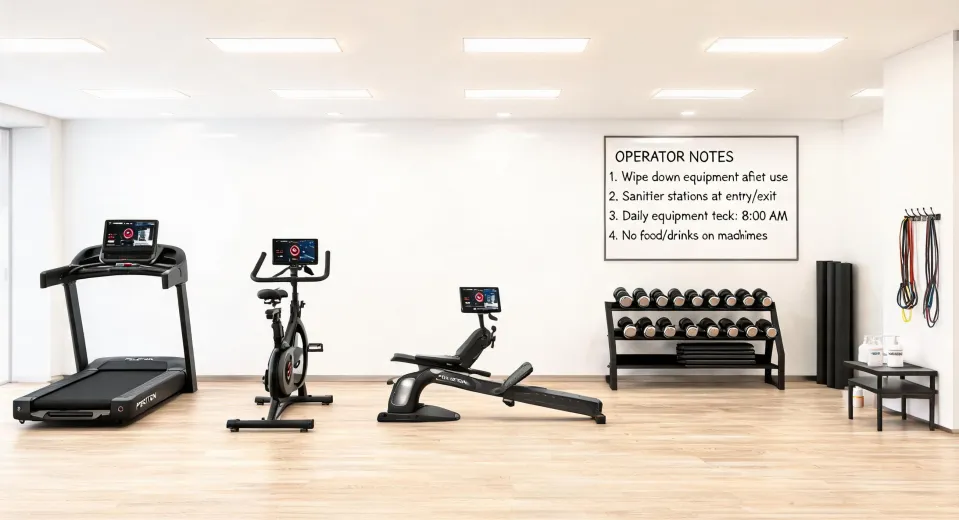
I get asked about Peloton a lot, usually by someone who's seen the bike in a hotel lobby or heard about it from a friend. When I first started fielding these requests from our internal stakeholders, I assumed it was just another expensive toy—a glorified exercise bike with a screen. Three vendor comparisons and a contract negotiation later, I realized I was wrong. The hardware is solid, but that's not what you're paying for.
Below are the questions our procurement team actually asked before we signed. If you're evaluating Peloton for your company's wellness program or corporate gym, these are the ones you need answers to.
1. Do Peloton treadmills fold up?
Short answer: no. The Peloton Tread and Tread+ do not fold. At 67.6 inches long and 33 inches wide, you need dedicated floor space—roughly a 7x4 foot area with clearance around it. If I remember correctly, the Tread weighs about 290 pounds, so moving it isn't a casual weekend project.
This matters for corporate settings because you can't just tuck it away after a class. (Should mention: we once spec'd a space thinking we could slide it against a wall between uses. Reality check: the weight and belt mean you really don't want to move it. Plan for dedicated placement.)
Your alternative if space is tight: the Peloton Bike+ takes up about 4x2 feet and is on wheels—easier to reposition.
2. What's the total cost (not just the price tag)?
The bike is $1,445. The Tread is $2,995. But if you're a procurement person, that's just the starting point. Here's what our TCO spreadsheet looked like for a hypothetical 10-unit deployment:
| Item | Per Unit | 10 Units |
|---|---|---|
| Hardware | $2,995 | $29,950 |
| Delivery & Setup | $350 | $3,500 |
| All-Access Membership (annual) | $44/mo | $5,280 |
| Extended Warranty (3 years) | $395 | $3,950 |
| Estimated Year 1 Total | $42,680 |
That doesn't include:
- Facility modifications (reinforced flooring for the Tread+)
- IT setup for the screen's WiFi and profile sync
- Lost productivity if employees schedule rides during work hours (kidding. Mostly.)
But here's the part I got wrong initially: the membership cost includes unlimited classes for every user on that machine. If you have 20 employees sharing one Tread, it's still $44/month for access. Compared to paying per-head for a boutique studio? Not bad.
3. Can you use your own headphones with Peloton?
Yes, both the Bike+ and Tread support Bluetooth audio. But here's a subtle point I discovered the hard way: some corporate environments don't want users pairing their own devices for security reasons. (Oh, and the built-in speakers on the Bike+ are decent, but they're not 'open office' loud.)
If you're equipping a shared space, you have two options:
- Let employees BYO – cheaper, but you deal with pairing issues and dead batteries.
- Supply a standard headset – we went with a bulk purchase of basic Bluetooth headphones (around $30/unit). Added cost but fewer support tickets.
Speaking of which, the keywords mentioned "JBL over ear headphones" and "Beats vs Sony headphones". If you're shopping for gym headphones for your office, JBL's Live 660NC (about $120, decent noise cancellation) is a solid mid-range pick. Beats Solo Pro (around $200, more bass) and Sony WH-1000XM5 (around $300, better ANC) each have their fans. From my perspective: for a corporate gym where headphones get dropped and shared, go mid-range. The premium stuff walks off.
4. What's the Peloton London Studio and do we need it?
The Peloton London Studio opened in 2021 in Pimlico. It's their international production hub for live and on-demand classes. For your corporate users, it doesn't change the experience—classes stream the same way. But it matters for time zones. Live classes produced from London give UK and European employees a more accessible schedule (circa 2025, that's still true).
I'd argue the real value isn't the studio itself but the content ecosystem. Peloton now produces over 30 live classes daily from both New York and London. For a global company, that means someone's always got a live ride within their workday.
5. What happens if the screen breaks?
This was our biggest fear as a procurement team. The screen is the whole point. Without it, you've got a very expensive stationary bike.
Peloton's warranty covers hardware defects for 12 months. The extended warranty (3 years for $395) covers repairs. For corporate use, I'd recommend it. (To be fair, some vendors charge a $100 service fee per repair call. Peloton's is $95 last I checked.)
But here's the real scenario that happened to us: someone spilled a smoothie on a Bike+ screen. Not covered. Replacement screen cost: $650. We now have a "no drinks on equipment" policy. Learning experience.
6. Is Peloton actually good for corporate wellness, or is it a status symbol?
Honest answer: it's both. The brand cachet matters for employee engagement. If you put a generic stationary bike in the break room, it collects dust. Put a Peloton in, and people schedule ride times together (I've seen Slack channels form around this).
That said, I recommend Peloton for companies with:
- 50+ employees (critical mass to justify cost)
- Dedicated fitness space (not a "feel good" purchase shoved in a corner)
- A culture that encourages midday breaks
I wouldn't recommend it for companies under 30 people or where the office lease ends in 12 months. The ROI in pure health metrics is hard to calculate. But if your metric is "people actually using the equipment," Peloton's engagement rate is higher than alternatives (granted, that's partly because it's expensive so people feel obligated).
7. How do you handle the membership billing?
This one tripped us up. Peloton's All-Access Membership is $44/month per device, not per user. That's a critical distinction:
- 1 Tread, 20 employees = $44/month.
- 5 Bikes, 100 employees = $220/month.
We handle it through a corporate credit card with a dedicated approver. Peloton does offer B2B billing, but you need to go through their corporate sales team—their standard consumer process doesn't support it well (discovered this when I tried to set up auto-pay with a PO number).
For our quarterly orders, we also negotiated a small discount on hardware at 10+ units (about 5% off, nothing dramatic). The real savings came from bundling delivery and setup into one fee rather than per-unit pricing.
The bottom line (if you need one)
There's no perfect answer on whether Peloton works for your company. But after comparing 4 vendors over 2 months using our TCO spreadsheet, we went with Peloton and haven't regretted it—not because it's the cheapest (it's not), but because people actually use it. The alternative was a cheaper setup that would have saved $15,000 upfront and generated exactly zero engagement.
Sometimes the expensive option is the one that works. (But still negotiate. Always negotiate.)